Installation
GraphScribe is an editor plugin that works inside the Unreal Editor, not on a cooked game build.
Requirements
- Unreal Engine 5.7/5.8
- An editor build on Windows or Linux
Install the plugin
- Download GraphScribe from the Fab marketplace.
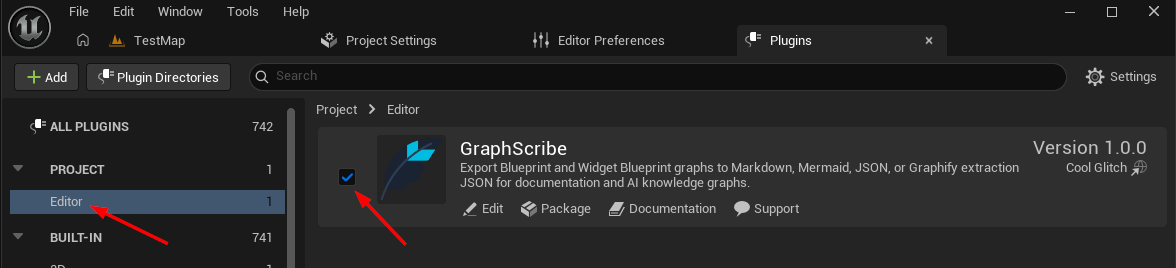
- In the editor, open Edit → Plugins.
- Search for GraphScribe.
- Make sure the checkbox next to it is enabled.
- Restart the editor if prompted.
Verify it's working
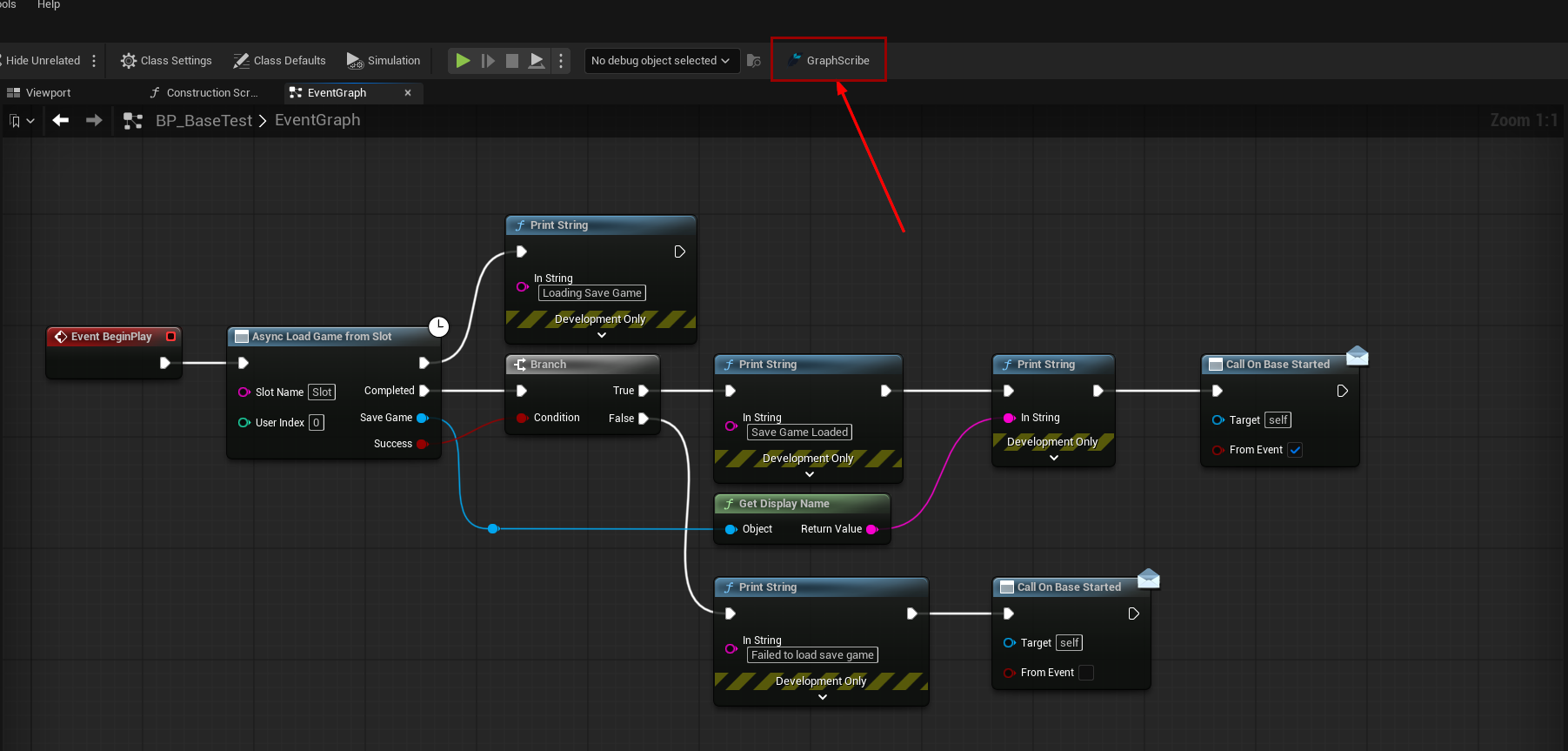
Open any Blueprint. You should see a GraphScribe button in the editor toolbar. If you don't see it, check that:
- You're on Unreal Engine 5.7/5.8.
- The plugin is enabled in Edit → Plugins.
- You restarted the editor after enabling it.