Add Color
Adding Colors to Palette
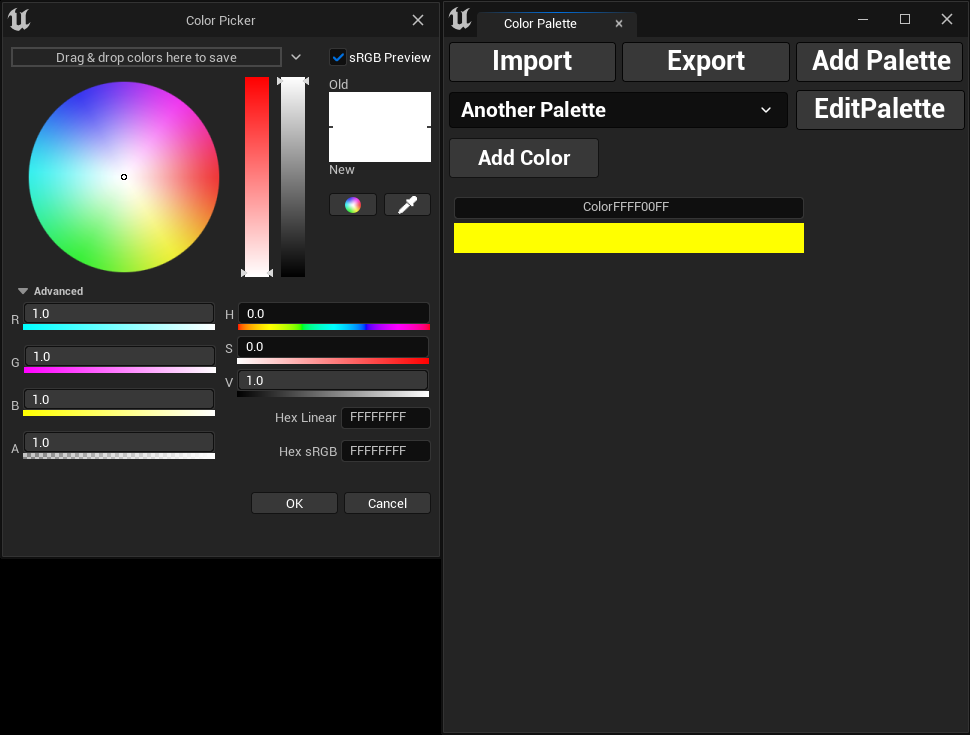
To add a new color, simply click the Add Color button. A color picker window will open allowing you to choose your
desired color. Once you've made your selection, click OK to add it to the palette.
By default, the selected color will be named using its hex linear color code, prefixed with the word Color.
Example: ColorFFFF00FF