Import Color Palettes
Importing Color Palettes
To import color palettes from other projects or team members, follow these steps:
- 1- Click the
Importbutton. - 2- A file dialog will open, allowing you to select the JSON file containing the color palettes.
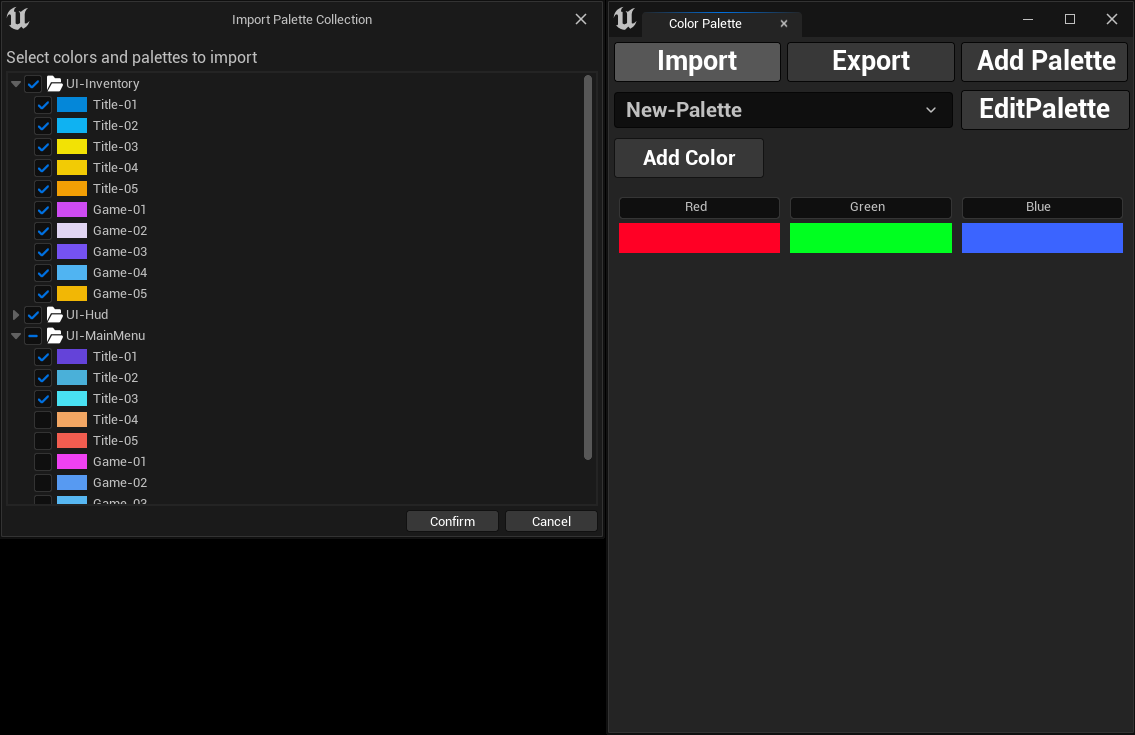
- 3- Once selected, a new dialog will appear where you can choose specific palettes and colors from the imported file.
- 4- Click
Confirmto complete the import, and your selected palettes and colors will be added to your project.
warning
You can only import files that were exported using this plugin. Attempting to import any JSON file will result in an empty import dialog and the import will fail.