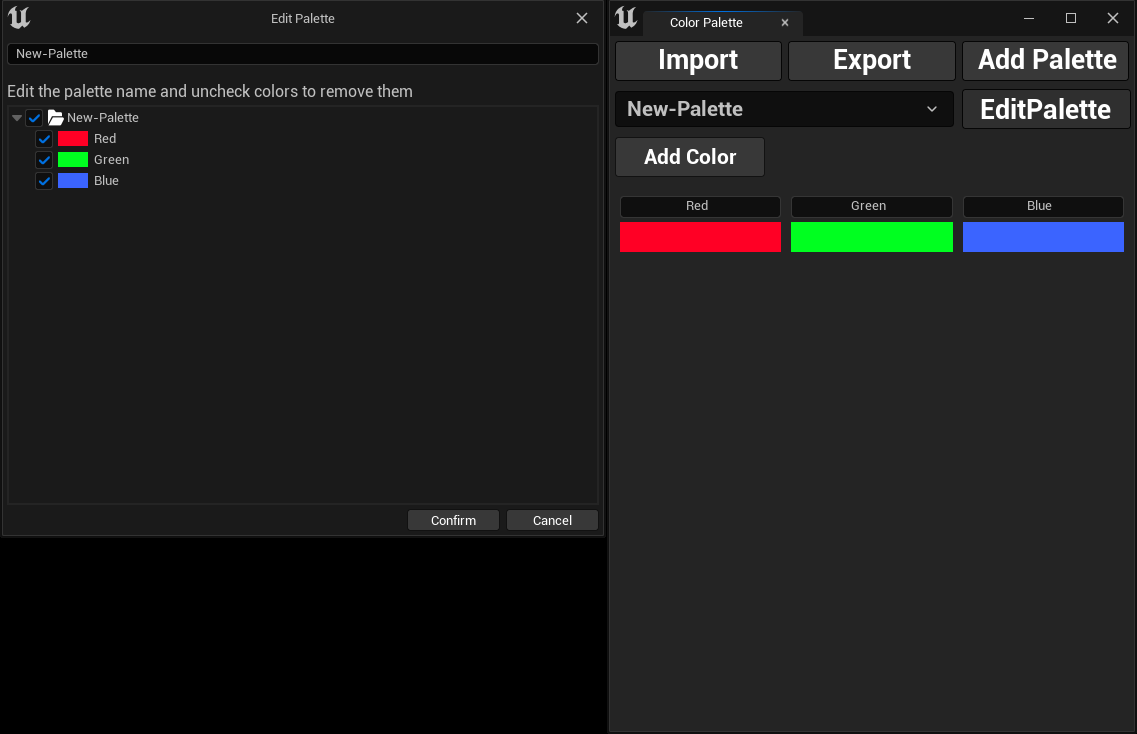
Edit Color Palette
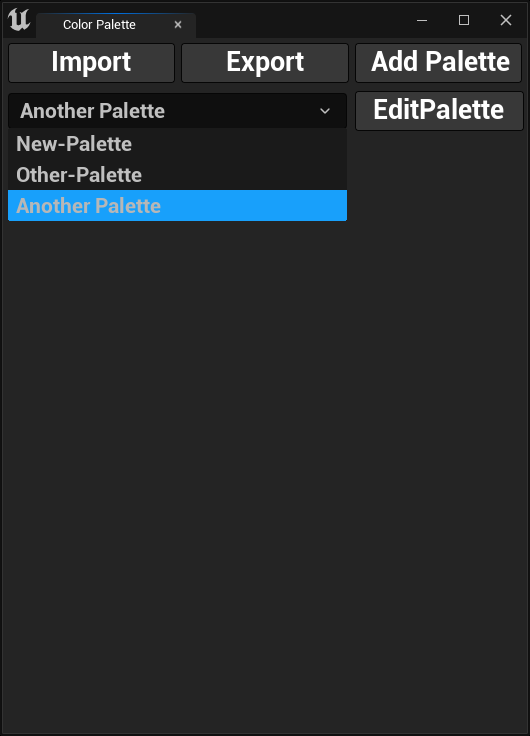
Selecting Color Palette
To select a color palette, click on the drop-down menu and select a color palette as shown in the image below.
Editing Color Palette
To edit a color palette, click the Edit Palette button. A new dialog box will open, allowing you to update the palette's
name and remove colors by deselecting them from the list. When you're done, click Confirm to save your changes.