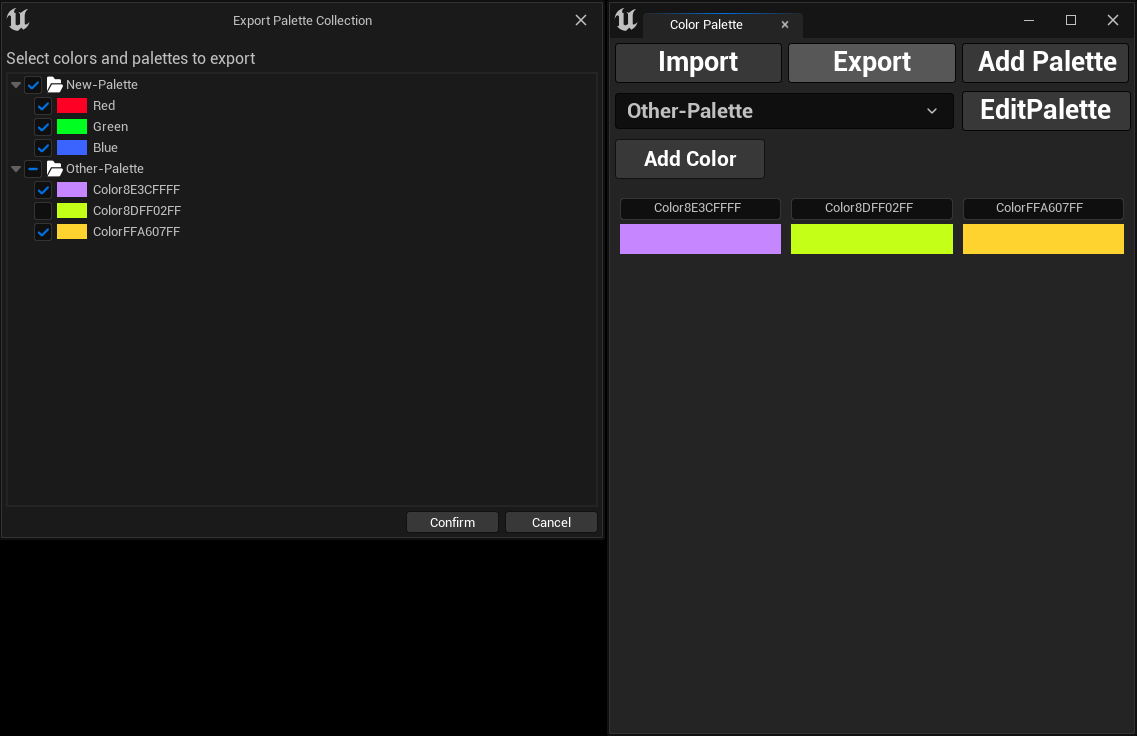
Export Color Palettes
Exporting Color Palettes
To share your color palettes across projects or with your team, you can easily export them by following these steps:
- 1- Click the
Exportbutton. - 2- A file save dialog will appear, allowing you to choose where to save the exported palettes.
- 3- Set the file name and directory, then click
Save. - 4- A new dialog will open, letting you select specific palettes and colors to export.
- 5- Finally, click
Confirm, and your selected palettes and colors will be saved to the chosen file.